

All Cursor Packs
Browse our full collection of custom cursors. Find your next favorite style and install it for free.

Bee Pixel cursor
69FreeBee cursor element is a cute custom mouse and pointer cursor with stylish pointing.
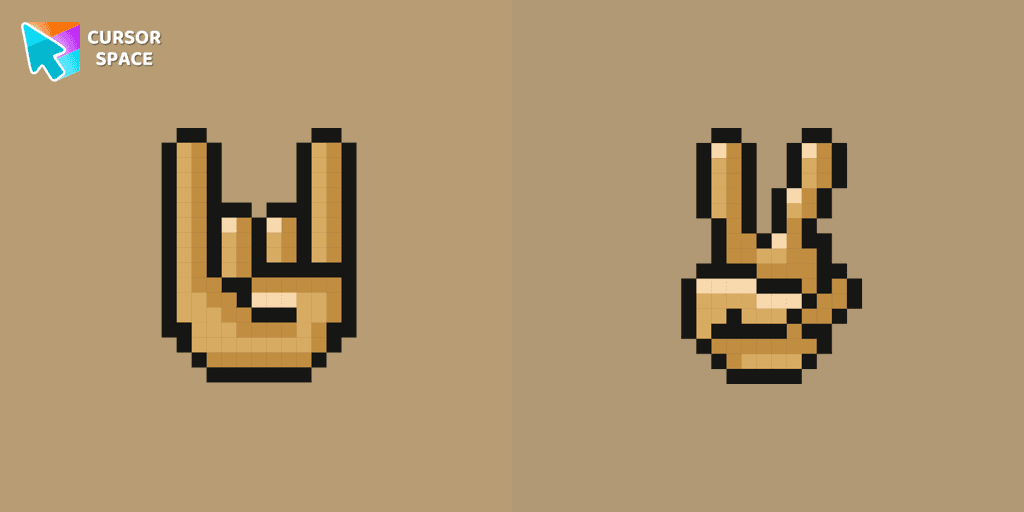
Gestures Pixel cursor
69FreeWith a custom cursor with Gestures from our Cute Pixel custom cursors collection for Chrome, you can express your mood.

Monkichi cursor
69FreeAdd a Monkichi cursor from our custom cursors collection for mouse and pointer in Hello Kitty design.
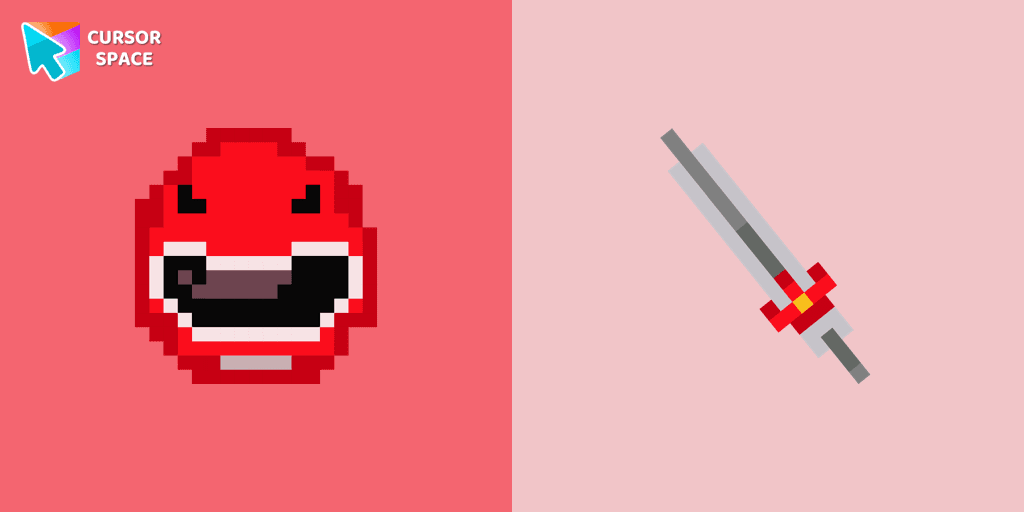
Red Power Ranger Pixel cursor
69FreeRed Power Ranger Pixel cursor for mouse and custom hover pointer with character's weapon in Cute Pixel collection of custom cursors.

Kazuha cursor
67FreeGenshin Impact for Chrome cursor set has a custom cursor Kazuha as a pointing device.
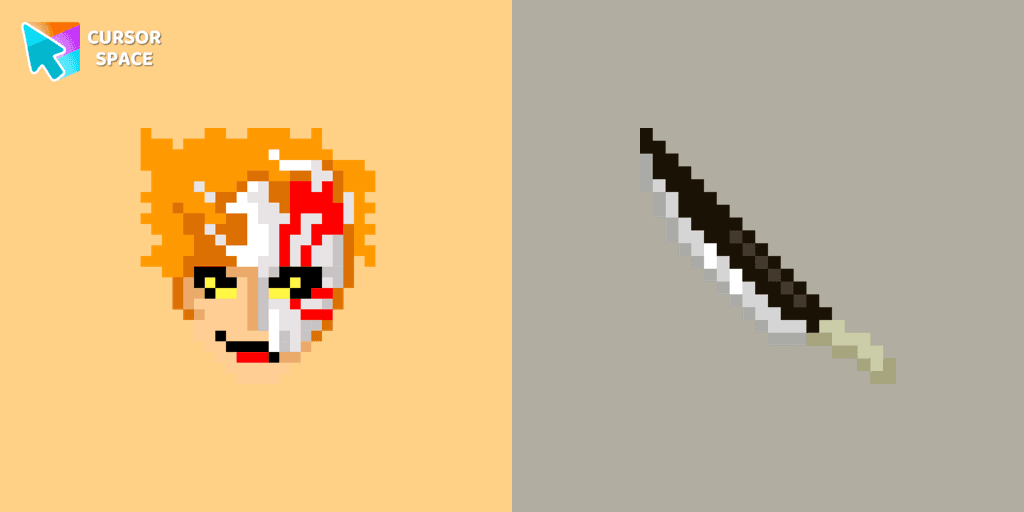
Ichigo Kurosaki Pixel cursor
67FreeIchigo Kurosaki Pixel cursor item is a pretty designed set of mouse cursors with a stylish hover.

Elephant cursor
67FreeTom and Jerry is a popular American animated cartoon known for its comedic short stories featuring cats and mice.

Petunia cursor
66FreeThe Petunia cursor features a blue skunk character with a unique appearance. She has a blue arrow on her head and a pink flower on top.
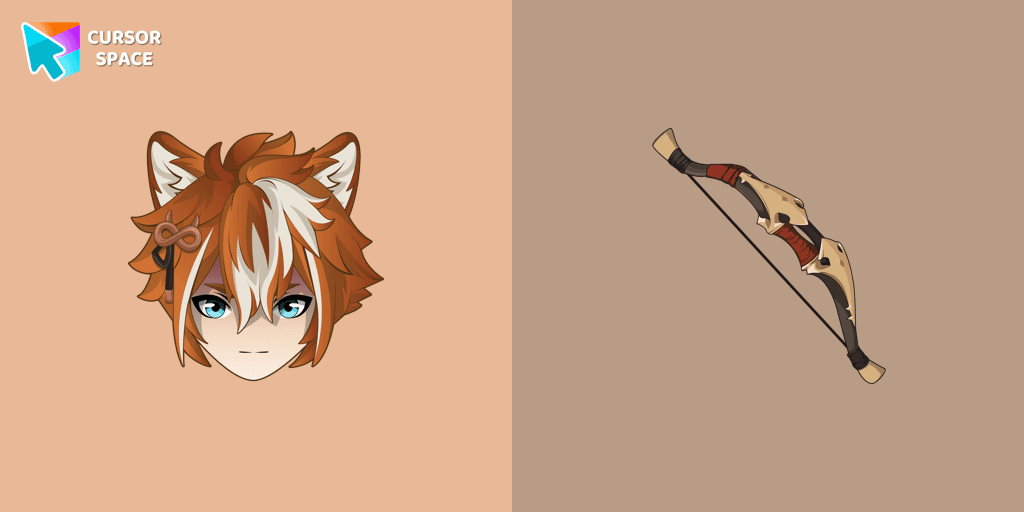
Gorou cursor
66FreeIf you want to change the default cursor to Gorou, you are welcome to our collection of cursors Genshin Impact in a variety of moods.
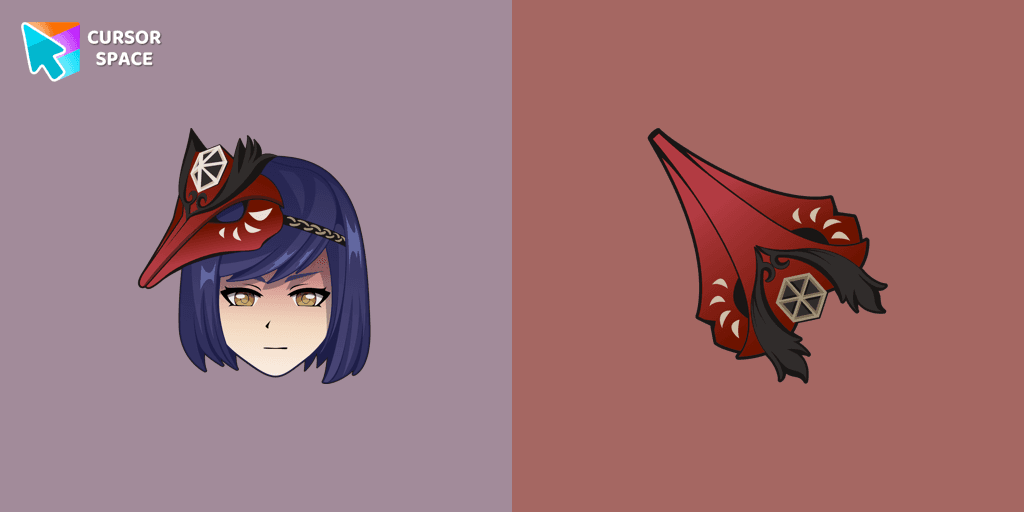
Kujou Sara cursor
66FreeWe are glad to present this cute custom cursor with Kujou Sara from the adorable custom cursors collection for the mouse and pointer.

Among Us Reptile Character cursor
64FreeUnleash Your Inner Imposer with the Among Us Reptile Character Cursor

Among Us Harry Potter Character cursor
64FreeThe Among Us Harry Potter character cursor adds a fun and unique touch to the game.
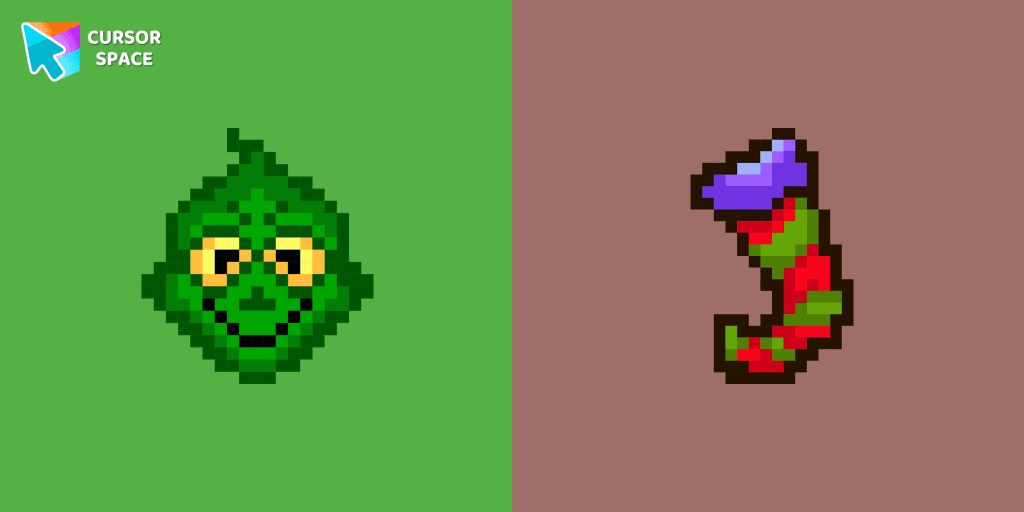
Grinch Pixel cursor
63FreeMeet the lovable Grinch from our Cute Pixel custom cursors collection for Chrome, which you can allow stealing your standard cursor.

Bibata Modern Amber
63FreeThe Bibata Modern Amber Cursor is a stylish design with a sleek amber hue, ideal for enhancing any computer interface.
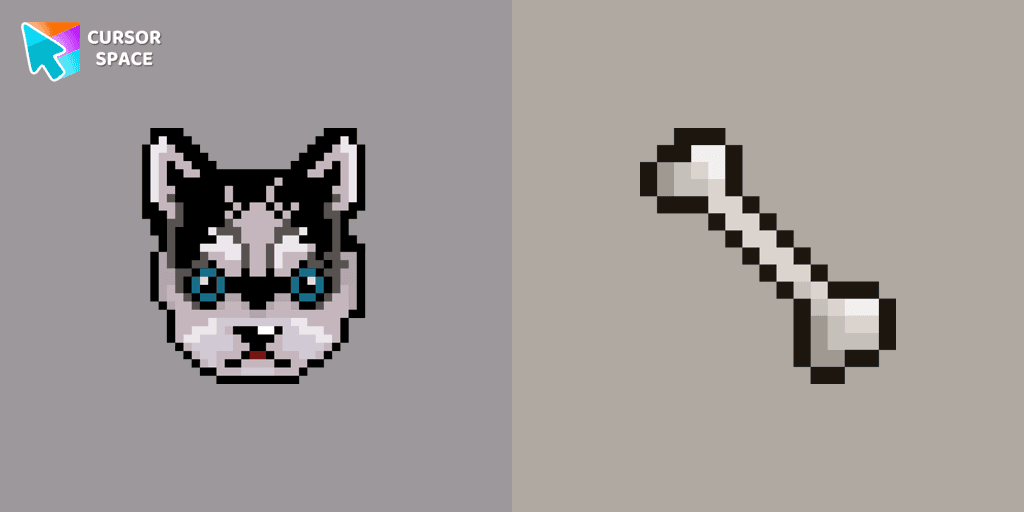
Husky Pixel cursor
62FreeThe Husky Pixel custom cursor item is a pretty designed set of mouse cursors with a stylish hover.
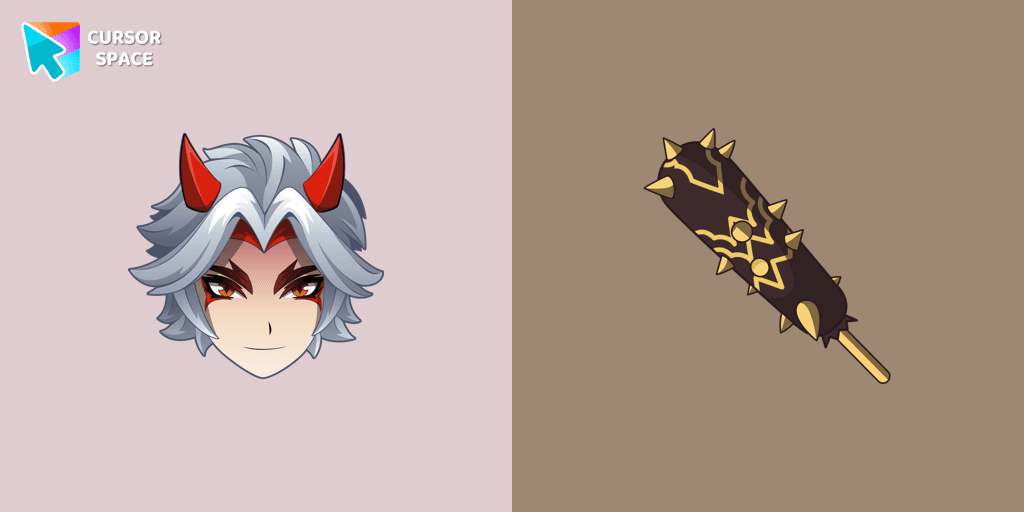
Arataki Itto cursor
62FreeThe fantastic Genshin Impact cursor collection for Chrome will be the best set for all fans.

Snowman Pixel cursor
62FreeSnowman Pixel cursor element is a cute custom mouse and pointer cursor with stylish pointing.
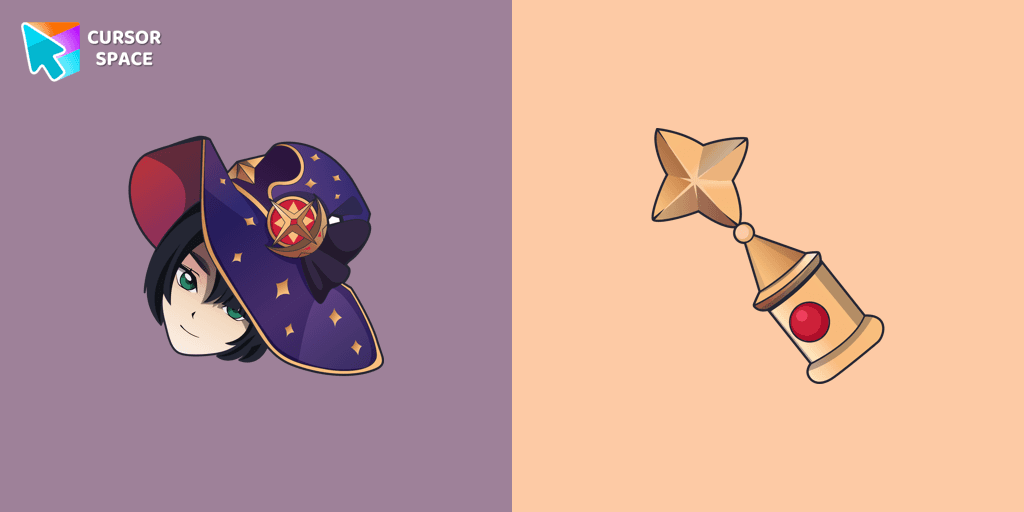
Mona cursor
61FreeMona custom cursor from our Genshin Impact cursors collection for mouse and pointer.

Red Cursor
61FreeSwap the default cursor for a charming red one. Turn the regular mouse into an irresistibly cute red cursor or just download it.
Explore cursor packs by style
Cursor Space packs include curated cursor sets for everyday browsing: cute, minimal, anime, neon, pixel art, and more. Each pack comes with multiple cursor states (like default and pointer) and can be added to your browser in seconds.
Trending now
Fresh picks based on what people install most often.
Collections
Browse themed sets grouped by vibe and aesthetic.
Top charts
See weekly, monthly, and all‑time leaders.
How to install a cursor pack
- Open any pack from the grid above.
- Click the install / add button on the pack page.
- If you don’t have it yet, install the Cursor Space browser extension.
- Apply the pack in the extension and enjoy your new cursor.
FAQ
Quick answers to common questions about cursor packs, collections, and installation.
Are cursor packs free on Cursor Space?
Most cursor packs on Cursor Space are free to browse and install. Some packs may be marked premium depending on licensing. The Cursor Space browser extension is free to install from the Chrome Web Store.
Do cursor packs work on Chrome and Edge?
Yes. Install the Cursor Space extension for Chromium-based browsers (Chrome, Edge, Brave), open a pack page, and click install/apply. The extension applies the cursor set across your browser.
How do I install a custom cursor pack?
Open the pack page, click the install or add button, install the Cursor Space extension if prompted, then apply the pack from the extension popup. Your new cursor appears immediately.
Can I change or remove a custom cursor later?
Yes. Open the Cursor Space extension, choose another pack, or restore the default system cursor from the extension settings.
Is the Cursor Space extension safe?
Cursor Space is distributed via the Chrome Web Store and Edge Add-ons. Keep the extension updated, and only install packs from trusted catalog pages on this site.